Workplace safety might not always be the first thing on your daily checklist, but when something goes sideways, it becomes the only thing that matters. Whether it’s a chemical spill, a slip in the stairwell, or a near miss in the lab, how you handle that situation can affect more than just paperwork – it can shape safety culture, compliance, and even lives. That’s where EHS incident reporting software comes into play.
This isn’t just some glorified online form. It’s a smart system designed to help organizations capture what’s happening, figure out why, and fix the issues before they turn into something worse. Let’s dig into what this software really is, how it works, and why more teams are making it part of their day-to-day safety operations.
What Exactly Is EHS Incident Reporting Software?
EHS stands for Environmental, Health, and Safety. Incident reporting software in this space is built to help organizations log, track, and analyze workplace safety events – everything from minor scrapes to major compliance issues.
Instead of filling out paper reports that get lost in drawers or chasing down emails to see if someone followed up, this software keeps everything in one place. Most systems let you log incidents on desktop or mobile, track investigations, assign corrective actions, and generate reports that actually make sense to people who weren’t there.
It’s about replacing slow, manual processes with something faster, clearer, and more reliable.
What Can You Report With It?
You’d be surprised how many things fall under “incident reporting.” A good EHS system can handle a wide range of events, including:
- Workplace injuries or illnesses
- Chemical spills or hazardous waste issues
- Equipment malfunctions or damage
- Environmental violations or near misses
- Unsafe behavior or safety policy violations
- Fire and life safety concerns
- Ergonomic complaints or job-related strain
- Lost-time incidents and return-to-work tracking
The goal isn’t just to log these issues – it’s to understand them, learn from them, and prevent them from happening again.
Core Features That Actually Make a Difference
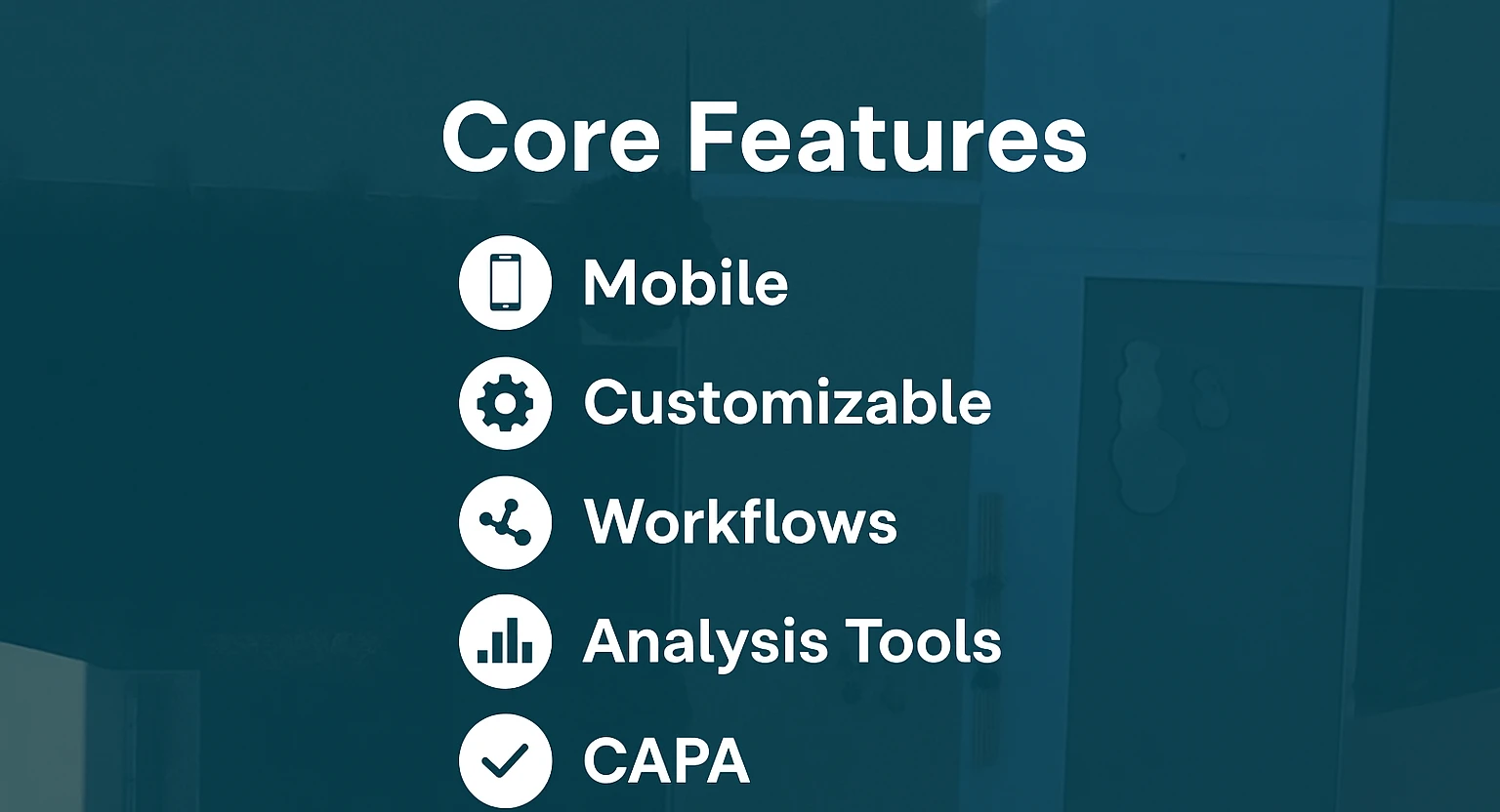
While each platform has its own layout and quirks, most effective EHS incident reporting software includes features like these:
- Mobile Access: Employees can report incidents directly from the job site using a smartphone or tablet. That’s crucial when timing and details matter most.
- Customizable Forms: Forms can be tailored to specific departments, locations, or compliance standards. No more forcing everything into a one-size-fits-all template.
- Automated Workflows: Once an incident is logged, the system can automatically alert the right people, assign follow-up tasks, and set deadlines.
- Root Cause Analysis Tools: Look deeper into why an incident happened using structured methods like 5 Whys or Fishbone diagrams.
- Corrective and Preventive Actions (CAPA): Track every step taken to resolve an issue, from initial response to final verification.
- Analytics and Dashboards: Real-time insights help safety managers identify patterns, bottlenecks, and areas that need more attention.
- Regulatory Compliance Tracking: Generate OSHA-ready reports or comply with industry-specific standards, all from one dashboard.
Real-World Use: Who Actually Benefits?
This software isn’t just for safety managers – it helps everyone involved in keeping a workplace running smoothly. That includes:
- Frontline employees, who can quickly log issues without waiting for their supervisor
- EHS professionals, who need to track trends and spot weak spots
- Risk managers, who want to understand exposure before incidents become liabilities
- Executives, who need reports that tell them whether their safety initiatives are working
From manufacturing floors to university campuses, having a centralized, easy-to-use system benefits the entire chain of responsibility.
The Problem With Manual Systems
Let’s be honest – a lot of places still rely on spreadsheets, emails, or even old-school paper files to track safety incidents. And while that might seem manageable at first, it quickly becomes a mess. Data has a way of getting buried or completely lost in inboxes and folders. Follow-ups get missed because there’s no automatic reminder or escalation process in place. Trying to spot patterns or trends becomes nearly impossible when you’re piecing everything together manually. Reporting takes way longer than it should, and there’s always the chance of small errors slipping through – which can turn into big problems during an audit. The bigger issue is that these methods just don’t scale. As your organization grows or faces stricter compliance demands, manual tracking becomes a liability. And when health, safety, and legal consequences are on the line, that’s not a risk worth taking.
Why Real-Time Reporting Matters
The sooner you capture an incident, the better the response. Real-time reporting through mobile apps lets staff log what happened while it’s still fresh – even offline if needed. That means:
- More accurate information
- Faster response and escalation
- Less time wasted tracking down details
- Quicker identification of patterns
It also helps build trust with employees. When they see their reports lead to real action, they’re more likely to stay engaged and speak up next time.
EHS Software and Safety Culture
Incident reporting software doesn’t create a safety culture on its own – but it can definitely support one. By making reporting easier, faster, and more visible, it helps reinforce that safety is a shared responsibility.
You can also track near misses and minor incidents that might have been ignored in the past. That kind of proactive reporting helps prevent bigger problems down the line.
When people feel like their concerns are being heard – and not just filed away – it encourages participation and accountability.
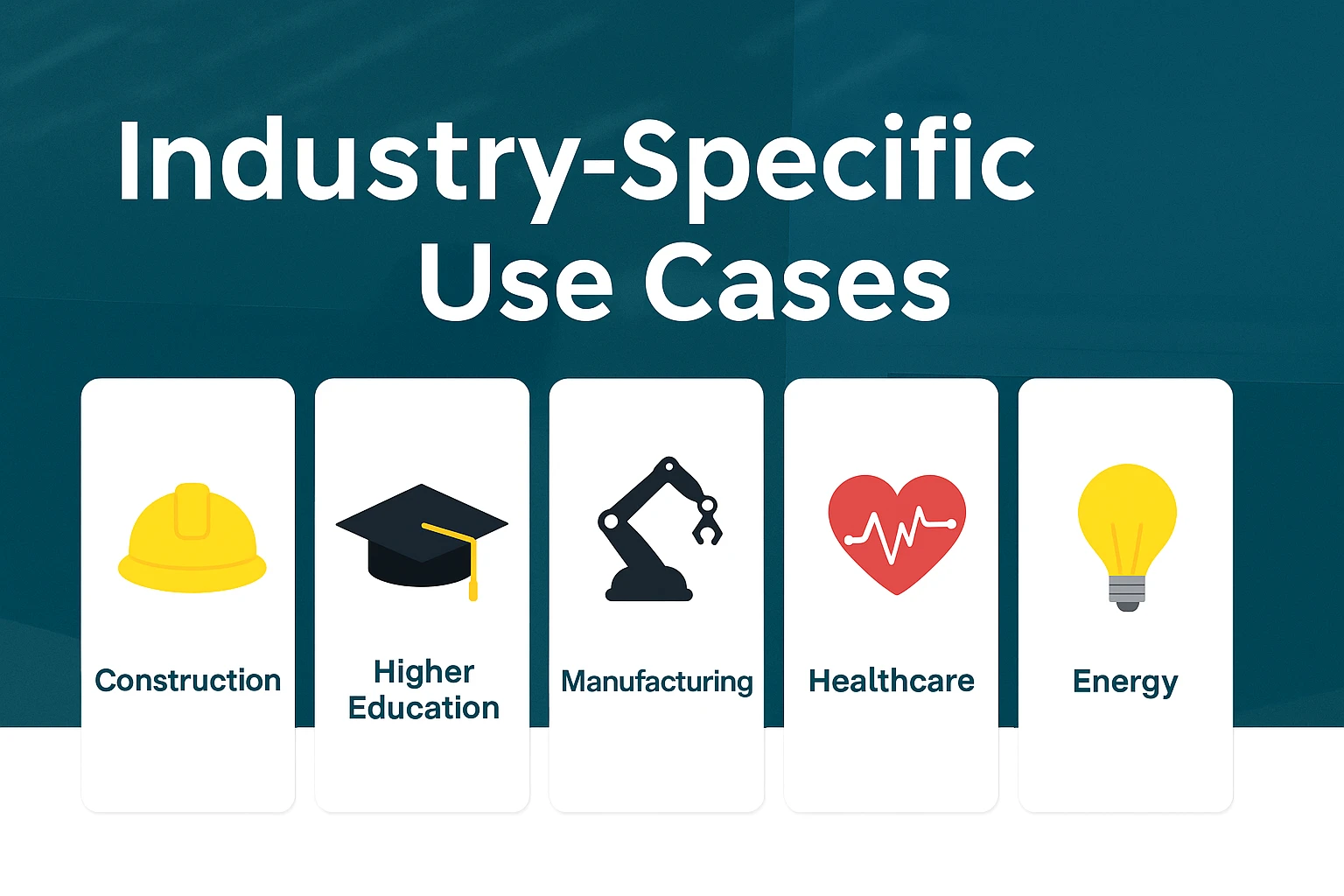
Industry-Specific Use Cases
Every industry has its own challenges when it comes to EHS. Good software should be flexible enough to adapt.
- Construction: Track on-site injuries, inspections, and contractor compliance
- Higher Education: Manage lab incidents, chemical inventory, and emergency response across multiple campuses
- Manufacturing: Handle machine-related injuries, ergonomic concerns, and hazardous material spills
- Healthcare: Log patient-related incidents, sharps injuries, and staff safety issues
- Energy and Utilities: Monitor remote incidents, environmental spills, and infrastructure failures
Having configurable modules or workflows means each organization can get what it actually needs – not just a cookie-cutter template.
What to Look For When Choosing a Platform
If you’re in the market for EHS incident reporting software, don’t just go with the flashiest demo. Ask the practical questions:
- Can it be accessed from mobile and offline?
- How customizable are the forms and workflows?
- Does it integrate with your other systems?
- Are reports easy to generate and audit-ready?
- What kind of support and training is included?
- How long does implementation really take?
- Can different departments access only what they need?
Also, ask about data security. If you’re logging sensitive employee or compliance data, you want to make sure it’s protected.
A Quick Recap: Why It’s Worth the Investment
If you’re still unsure whether EHS incident reporting software is really necessary, it’s worth stepping back and looking at the bigger picture. The right system gives you a much clearer view of what’s actually going on across your workplace. It helps your team respond faster thanks to mobile access and automated notifications that keep things moving. Compliance gets easier because everything is documented, structured, and ready when audits roll around. It also encourages a stronger safety culture by making the reporting process more accessible and transparent for everyone involved. And maybe most importantly, it lets you base decisions on real data instead of hunches or assumptions. At the end of the day, this software isn’t just about checking boxes – it’s about building a more proactive, efficient, and responsive safety system that keeps people protected and operations on track.

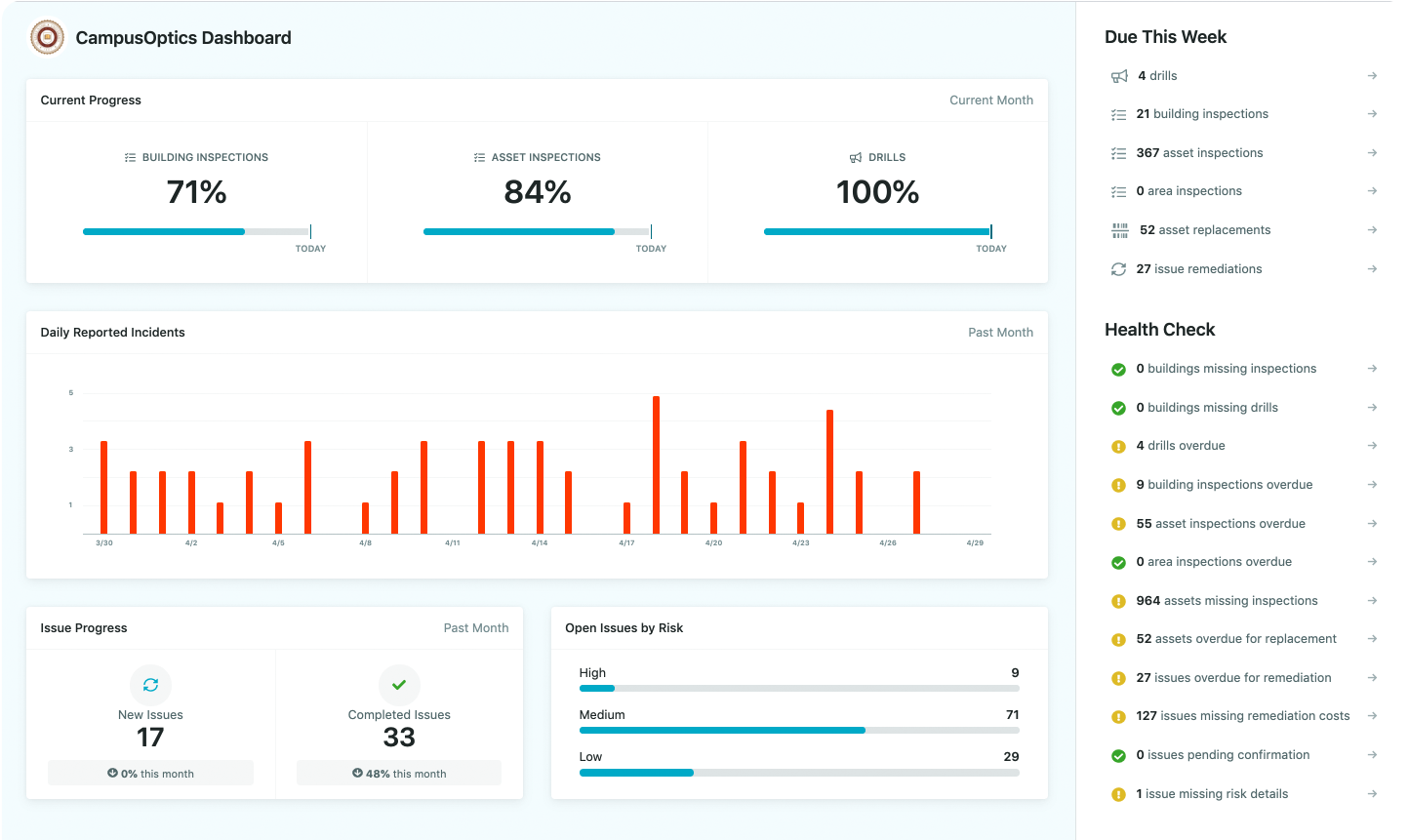
How We Built CampusOptics Around Real Campus Safety Needs
When we started building CampusOptics, it wasn’t just about software. It was about fixing real problems we saw across colleges and universities – the kind that slow down incident response, blur accountability, and make compliance feel like guesswork. We spoke with hundreds of campus safety professionals, and over and over we heard the same story: they were using outdated tools to manage high-risk situations, juggling spreadsheets, paper forms, and siloed systems that didn’t talk to each other.
So we created a platform that brings it all together. Our incident management tools were designed specifically for higher education, not retrofitted from some generic corporate model. Whether it’s logging safety issues in the field, tracking chemical inventory across labs, or sharing emergency pre-plans, we built CampusOptics to reflect how campus safety really works – fast-moving, decentralized, and collaborative. And because safety professionals are rarely at their desks, we made sure our mobile app can do just about everything on the go. The result? A system that supports your workflow instead of slowing it down – and helps you focus on what really matters: keeping your campus community safe.
Conclusion
At the end of the day, EHS incident reporting software isn’t just another platform you add to your tech stack. It’s something that reshapes how your team responds to risk, keeps track of safety efforts, and builds a more connected safety culture. You’re not just making it easier to fill out forms – you’re creating a system where information flows faster, actions happen sooner, and nothing important falls through the cracks.
Whether you’re dealing with complex lab environments, managing inspections across campus, or trying to wrangle incident data for reporting, having the right tools in place makes a real difference. And when those tools are built with your environment in mind – like CampusOptics for higher ed – the result isn’t just more efficiency. It’s better outcomes. Safer buildings. Fewer gaps. And peace of mind that things are being handled the way they should be.
FAQ
What makes EHS incident reporting software different from a basic reporting tool?
The difference really comes down to structure and automation. A basic form lets someone fill in what happened. EHS software builds in next steps – automatic alerts, investigations, CAPAs, trend analysis, compliance tracking – all without needing to chase people down. It’s not just about collecting info, it’s about doing something useful with it.
Do I really need software if we’re already tracking incidents manually?
If your team is small and the volume is low, maybe. But even then, manual tracking eventually hits a ceiling. Things get missed, details fade, and it’s a pain to piece everything together when audits or reviews come around. Software doesn’t just save time – it reduces the mental load of trying to remember who followed up on what, and when.
Is this kind of platform overkill for higher education campuses?
Not at all. In fact, it’s often the opposite. Campuses have complex environments – labs, dorms, maintenance areas, public spaces – all operating under different safety demands. A higher ed-specific tool like CampusOptics actually simplifies the chaos by giving you one place to manage it all.
How customizable are these systems really?
A good one should be very customizable. You should be able to adapt forms, workflows, permissions, and dashboards to fit your teams and departments. If a platform forces you into rigid templates, it’s probably not built with your environment in mind.