Choosing EHS software isn’t just a tech decision. It’s about keeping people safe, staying compliant, and making sure your organization’s operations run without unnecessary headaches. With so many platforms promising dashboards, analytics, and mobile access, it’s easy to get distracted by flashy features. But the right solution is one that fits your team’s real-world needs, streamlines workflows, and actually helps you prevent problems before they happen.
In this guide, we’ll break down what matters most when evaluating EHS software, from core capabilities and user experience to implementation strategies and vendor support. By the end, you should feel confident in your ability to pick a tool that delivers value day one, not six months down the line.
Core Features That Matter Most
When you’re comparing EHS platforms, it’s easy to get distracted by flashy add-ons or long feature lists. But the real question is simpler: does the software help your team stay safe, compliant, and efficient without creating extra work? The best EHS tools share a few core capabilities that directly support day-to-day safety management. These aren’t “nice-to-haves” – they’re the foundation of an effective system.
The goal isn’t to collect as many features as possible. It’s to find a platform that handles the essentials smoothly, fits your workflows, and gives you clarity instead of clutter.
- Hazard and Risk Management: Look for software that lets you track risks, assess severity, and implement controls. It should give a clear picture of your organization’s risk profile.
- Incident Reporting: Quick, easy, and mobile-friendly incident logging is crucial. Teams should be able to capture incidents in the field, attach photos, and get alerts for follow-up actions.
- Compliance Tracking: Your software should automate reminders for permits, inspections, and certifications. A calendar or dashboard that highlights upcoming deadlines is a lifesaver.
- Chemical and Asset Management: If you deal with chemicals or specialized equipment, a system that tracks inventory, storage, and safety data sheets is a must.
- Mobile Access: Field teams need information on the go. Mobile apps with barcode scanning, location mapping, and offline capabilities make day-to-day tasks much easier.
- Reporting and Analytics: The tool should provide clear insights, not just raw data. Look for dashboards, trend tracking, and the ability to generate regulatory reports without extra work.
Every EHS vendor will tell you they have the tools you need, but the real value lies in how those tools actually work in your environment. A system can check every box on paper and still fall short if it’s hard to navigate or doesn’t fit the way your team operates.
When reviewing features, focus less on quantity and more on usability and integration. The right EHS platform won’t just help you stay compliant – it will make safety management feel more natural, connected, and manageable across your organization. That’s what turns software from a digital checklist into a real driver of safety performance.
Ease of Use: Don’t Underestimate This
Even the most advanced EHS platform won’t help much if no one wants to use it. A tool can have all the right features, but if your team finds it clunky or confusing, they’ll avoid it, take shortcuts, or go back to spreadsheets. And once that happens, data quality drops, reports get messy, and your compliance risks start creeping back in.
The truth is, ease of use isn’t just a “nice-to-have.” It’s the difference between software that becomes part of everyday work and one that sits unused in a browser tab.
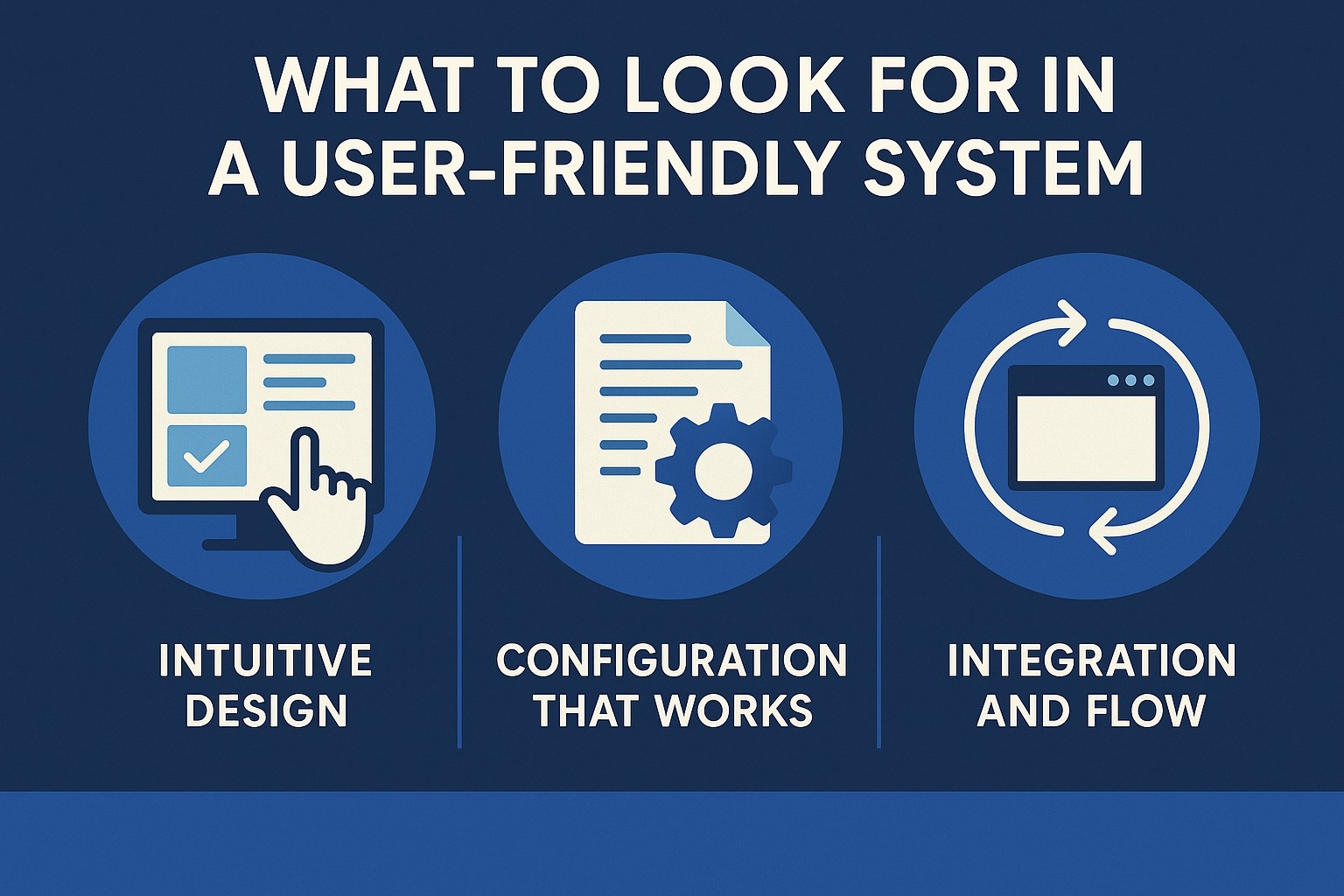
What to Look for in a User-Friendly System
When you’re testing or demoing EHS software, pay attention to how it feels to actually use it. Think less about the sales pitch and more about your day-to-day team.
1. Intuitive Design
If someone new to the system can figure out how to log an incident, check an audit schedule, or pull a report without getting frustrated, that’s a good sign. Look for clean layouts, clear menus, and visual cues that make navigation simple.
Ask yourself:
- Can a first-time user understand the main dashboard without a manual?
- Are the most-used actions (like reporting a hazard) easy to find?
- Does the platform feel modern or does it seem stuck in a decade-old design?
2. Configuration That Works for You
Every organization’s safety workflows are a little different. The best software doesn’t force you to change how you work – it adapts to fit your processes.
Consider:
- Can you adjust forms, checklists, and workflows without needing a developer?
- Are you able to create different views or dashboards for various departments?
- Can the system grow with you as your EHS program evolves?
3. Integration and Flow
If your team has to jump between five systems just to get one report done, productivity suffers. Good EHS software should blend into your existing digital environment instead of becoming another silo.
Check for:
- Integration with HR, maintenance, and space management tools
- Automatic data sync across departments
- Single sign-on or unified access for easier logins
The Real-World Impact of Usability
Ease of use doesn’t just make work more pleasant – it drives real results. When people can quickly report an incident or update a checklist from their phone, data gets captured faster and more accurately. That means better visibility for managers and fewer gaps in compliance.
A system that’s easy to learn also reduces training time. You won’t need endless workshops or manuals to get people up to speed, and that’s valuable when you’re dealing with large or rotating teams.
If your EHS software feels like a chore, it won’t deliver the safety or compliance benefits you’re paying for. Choose a system that feels intuitive from day one, works well with the tools you already use, and gives your people confidence rather than confusion. The simpler it is to use, the more it becomes part of the culture – and that’s when the real value shows up.

Where CampusOptics Gets It Right
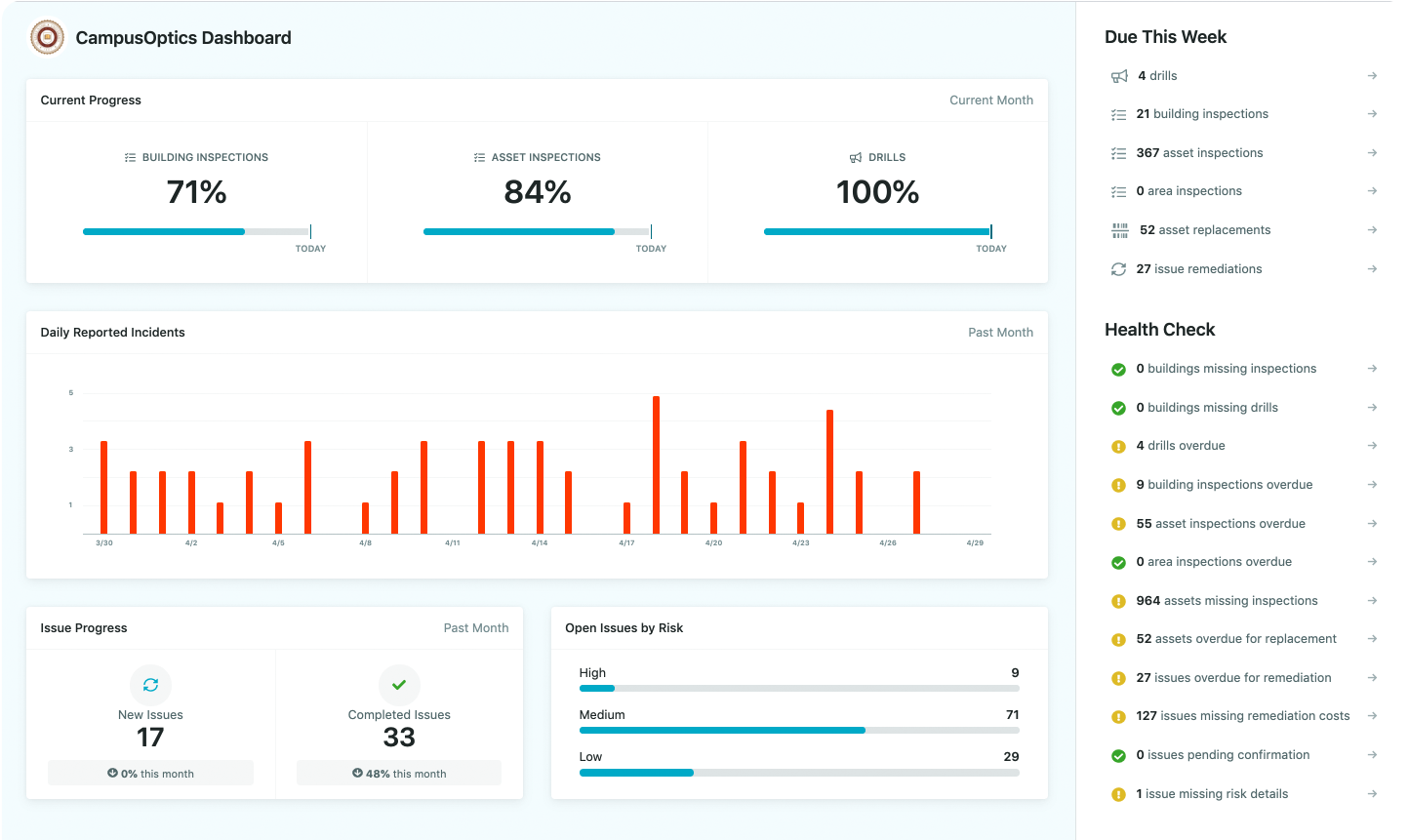
At CampusOptics, we designed our platform specifically for higher education, keeping the unique needs of campus safety teams front and center. We focus on clarity and accessibility, so logging inspections, managing chemical inventories, and verifying compliance related to training and permits can be done quickly and accurately from anywhere. Our interface is clean and intuitive, and our mobile app mirrors the way our users actually work – giving fast access, simple navigation, and minimal clicks. For universities juggling multiple buildings, labs, and compliance requirements, we make consistent safety management not just possible, but straightforward every day.
Implementation: Planning for Success
You can buy the best EHS software on the market, but if it’s rolled out poorly, it won’t matter. Implementation is where great intentions often stumble. This phase isn’t just about turning the system on – it’s about setting up workflows, migrating data, and making sure people actually know how to use it. Think of it as the bridge between purchase and real-world results.
Successful implementation happens when both sides – your internal team and the software vendor – treat it like a true partnership. The vendor brings technical know-how, but your team brings the context, the daily realities, and the goals that will make the system truly effective.
Building a Realistic Timeline
One of the first things to clarify is time. How long will it take before your new EHS software is fully operational? The answer depends on the size of your organization, the complexity of your data, and the number of modules you plan to use.
A quick setup might take a few weeks. Larger organizations or those with multiple sites might need a few months. The key is not to rush it. Moving too fast can lead to mistakes that are much harder to fix later.
When mapping your timeline, make sure you account for:
- Data cleanup: Reviewing old spreadsheets or inconsistent records before importing them.
- Testing: Running small pilot programs before full rollout.
- Training periods: Giving users enough time to get comfortable before the software goes live.
Getting Data Migration Right
Migrating data sounds simple, but it’s often the most overlooked and stressful part of implementation. Those old spreadsheets, inspection reports, and incident logs need to move into the new system cleanly and accurately.
To avoid trouble:
- Audit your data first. Check for duplicates, outdated records, or missing fields.
- Use vendor support. A good provider will help you map your old data to the new format and run test imports before going live.
- Keep backups. Always maintain an original copy of your data until the migration is complete and verified.
If data migration goes wrong, users will lose trust in the system fast. Getting this part right builds confidence early and sets a solid foundation for everything else.
Training: Turning Users Into Advocates
Software alone doesn’t drive safety improvements – people do. That’s why training deserves as much attention as the setup itself. Your team should walk away from training sessions knowing exactly how to handle their day-to-day tasks, not just the theory behind the software.
Look for vendors who provide:
- Role-specific training. Field teams, managers, and admins all use the system differently.
- Hands-on sessions. People learn best by doing, not by watching slides.
- Accessible resources. Recorded webinars, user guides, or quick-tip videos for refresher training later.
You’ll know your training worked when employees start using the software naturally in their daily routines, not because they’re told to, but because it actually makes their work easier.
Support During Rollout: Your Safety Net
No rollout ever goes perfectly. Maybe a form doesn’t behave as expected or a report isn’t pulling the right data. What matters most is how quickly these issues get resolved.
Good vendors don’t disappear after the contract is signed. They stay close, answer questions, and troubleshoot issues as they come up. When evaluating providers, ask:
- How responsive is their support team?
- Do they assign a dedicated implementation specialist?
- What happens if problems arise outside business hours?
Reliable support during rollout not only keeps your project on schedule but also reassures your team that they’re not alone if something goes wrong.
The Payoff of Doing It Right
A well-planned implementation pays off in more ways than one. It reduces frustration, prevents compliance gaps, and speeds up adoption. Employees will trust the system more, management will get cleaner data, and your organization will start seeing the benefits faster.
Think of implementation as the groundwork for everything that follows. When it’s done right, your EHS software doesn’t just run – it fits seamlessly into how your organization already works, supporting your people instead of slowing them down.
Vendor Support and Reliability
When you invest in EHS software, you’re not just buying a digital tool. You’re entering a long-term relationship with the team that built it. The truth is, even the most advanced platform will eventually hit a snag – a system bug, an integration issue, or a data sync problem. What matters is how your vendor responds when that happens.
Reliable support can make the difference between a five-minute fix and a week of downtime. That’s why understanding who’s behind the software is just as important as what’s inside it.
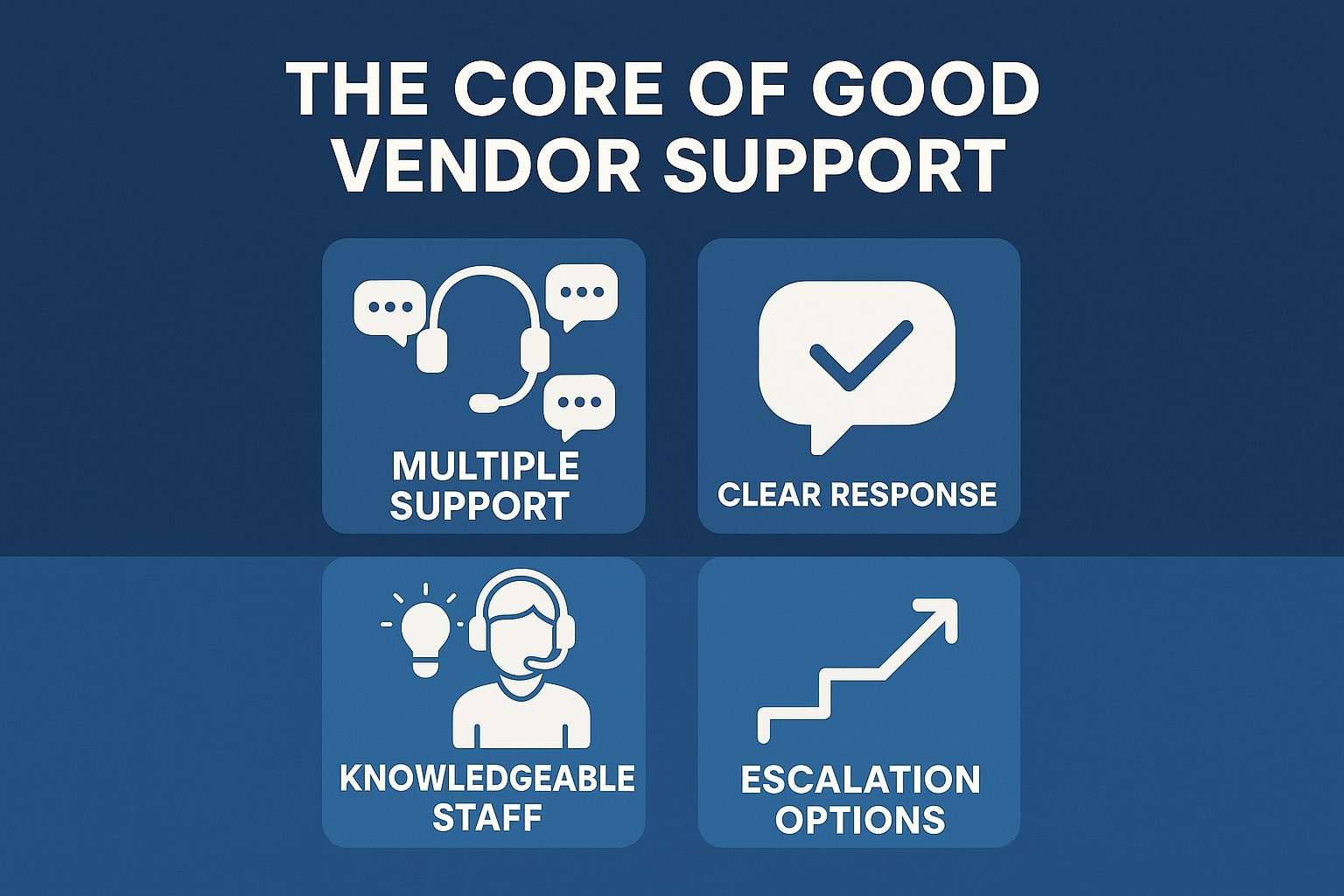
The Core of Good Vendor Support
A dependable vendor doesn’t disappear once the contract is signed. They stay engaged, offer proactive guidance, and treat your success like their own. Before committing, take time to dig into how they handle support.
Here’s what to look for:
- Multiple support channels: Make sure help is easy to reach. You should be able to contact support through phone, email, and live chat without jumping through hoops.
- Clear response times: Ask about their average response time for urgent issues. A vendor that promises same-day responses for critical incidents shows they take your operations seriously.
- Knowledgeable support staff: The person on the other end of the line should understand EHS processes, not just software troubleshooting. Real-world insight helps solve problems faster.
- 24/7 availability or escalation options: Especially if your organization operates around the clock or across time zones, you’ll need support that doesn’t clock out when you do.
Industry Expertise: The Hidden Advantage
EHS in higher education looks very different from EHS in manufacturing or healthcare. Regulations, workflows, and risk factors all vary. Choosing a vendor that understands your specific environment saves endless frustration later.
A vendor with deep industry experience will:
- Speak your language when discussing safety protocols or compliance requirements.
- Offer ready-made templates or best practices that fit your world, not a generic version of it.
- Anticipate challenges that are unique to your type of organization, such as managing lab safety, chemical inventories, or student housing inspections.
It’s worth asking how many of their current clients operate in your field and if they can share relevant case studies or references.
Ongoing Updates and System Improvements
The best EHS platforms aren’t static. Regulations evolve, technology improves, and user expectations shift. A reliable vendor should actively invest in product development, not just maintenance.
Ask your vendor about:
- Update frequency: How often do they release new features or security updates?
- User feedback: Do they actually listen to customer input when shaping future versions?
- Transparency: Are release notes or update logs easily accessible so you know what’s changing and why?
Vendors that consistently improve their platform show long-term commitment. It means they’re not just trying to sell you software once but to help you stay compliant, efficient, and ready for what’s next.
Building Trust Through Partnership
Good vendor relationships are built on communication and trust. When your EHS software partner is reliable, it gives your entire safety program a stronger foundation.
You’ll know you’ve found a dependable partner when:
- They check in regularly, not just when there’s a problem.
- Their tone feels collaborative, not transactional.
- They treat your questions with patience and care, no matter how technical or simple.
In short, strong vendor support is what keeps your EHS system resilient. It’s the safety net that ensures your software keeps working even as your organization grows, regulations change, or new risks emerge.
Choosing software is easy. Choosing a team that will stand beside you through every update, audit, and unexpected hiccup takes a bit more digging – but it’s worth it. The right vendor doesn’t just sell you a product; they help you build a culture of safety that lasts.
Conclusion
Picking the right EHS software isn’t just about ticking boxes on a features list. It’s about finding something that actually works for your team – fits your workflows, your organization, and the people who’ll be using it every day. When a system is intuitive, flexible, and backed by a vendor you can count on, it stops being “just software” and starts feeling like a partner in keeping your workplace safe, compliant, and running smoothly.
The trick is balancing functionality with ease of use, integrations, and support. If it feels natural to use, adapts to your way of working, and can grow with your needs, you’re not just buying a tool – you’re investing in a smarter, safer way to handle workplace risks. Taking the time to plan, test, and involve your team in the selection process might feel like extra work at first, but it pays off big time down the road.
FAQs
What should I prioritize when evaluating EHS software?
It’s easy to get lost in features, but the priority should be usability, core functionality, and how well the software supports your day-to-day operations. A platform that your team actually uses is far more valuable than one that looks impressive on paper.
How do I know if the software will integrate with our existing tools?
Look for systems that offer integration with HR, maintenance, or project management platforms. Ask the vendor about APIs, data import/export, and single sign-on capabilities. Seeing a demo that mimics your current workflows can reveal how well it will fit.
Why is vendor support so critical?
Even the best software will encounter issues or require updates. A responsive, knowledgeable vendor ensures problems are resolved quickly and that you can adapt to new regulations or operational changes without disruption.
Can mobile access really make a difference?
Absolutely. Field teams need real-time access to reports, incident logs, and checklists. A mobile-friendly platform allows employees to capture data on the go, reducing delays and improving accuracy across your organization.
How do I measure the ROI of EHS software?
ROI isn’t just about cost savings – it’s about improved compliance, reduced incidents, and time saved. Tracking metrics like incident reporting speed, inspection completion rates, and regulatory audit outcomes can show tangible benefits over time.
What if our workflows are unique?
A system that allows customization of forms, dashboards, and workflows ensures that your specific processes are supported rather than forced into a generic template. Flexibility is key for long-term success.
Is it better to choose a software with more features or one that is simpler to use?
Simplicity wins every time. Features are only valuable if your team uses them effectively. Prioritize platforms that make everyday tasks easier, then consider advanced features once the basics are running smoothly.